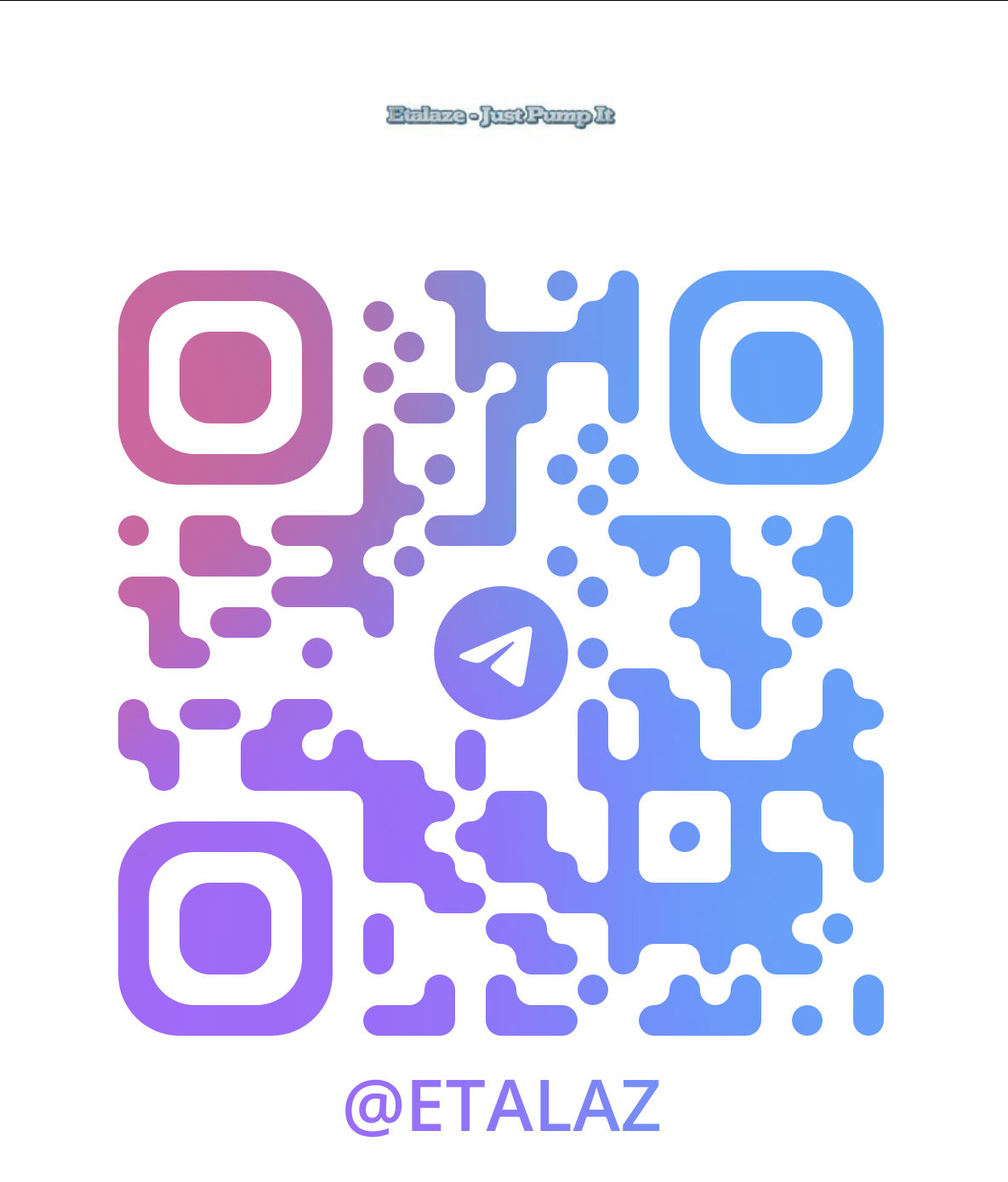
Joining our Telegram channel is quick and easy!
Here’s how:
- Install Telegram – Download the Telegram app to your phone, tablet, or computer.
- Click the Invite Link – Tap here to join instantly: https://t.me/etalaz
Stay Updated – Get exclusive updates, product news, and special deals directly on Telegram.
It’s that simple! You’ll be connected with us and never miss an important update again.
-----------------------------------------------------------------------------------------------------------------------------------------
Direct Assistance (Kyle – Etalaze): https://t.me/etalaze
Customer Support Desk: support@etalaze.freshdesk.com
Join Our Official Telegram Channel: https://t.me/etalaz
Was this article helpful?
That’s Great!
Thank you for your feedback
Sorry! We couldn't be helpful
Thank you for your feedback
Feedback sent
We appreciate your effort and will try to fix the article